What is Binary Code? The Language of Zeros and Ones
Binary code is the fundamental language of computers. It uses only two symbols — 0 and 1 — to represent numbers, text, instructions, and even images. Every piece of information in a computer, from a single character in a text file to a complex video game, is ultimately stored and processed as sequences of these two digits.
This article explains what binary code is, why computers use it, how to read it, and how it evolved from a mathematical curiosity to the foundation of the digital age.
Why Binary? The Story Behind Two States
Computers are built from transistors — tiny electronic switches that can be in one of two states: ON or OFF.
- ON → represents the digit 1
- OFF → represents the digit 0
By grouping millions (or billions) of these switches, a computer can represent any number, letter, or instruction using just these two states. This is why binary is so natural for digital systems — it matches the physical reality of electronics.
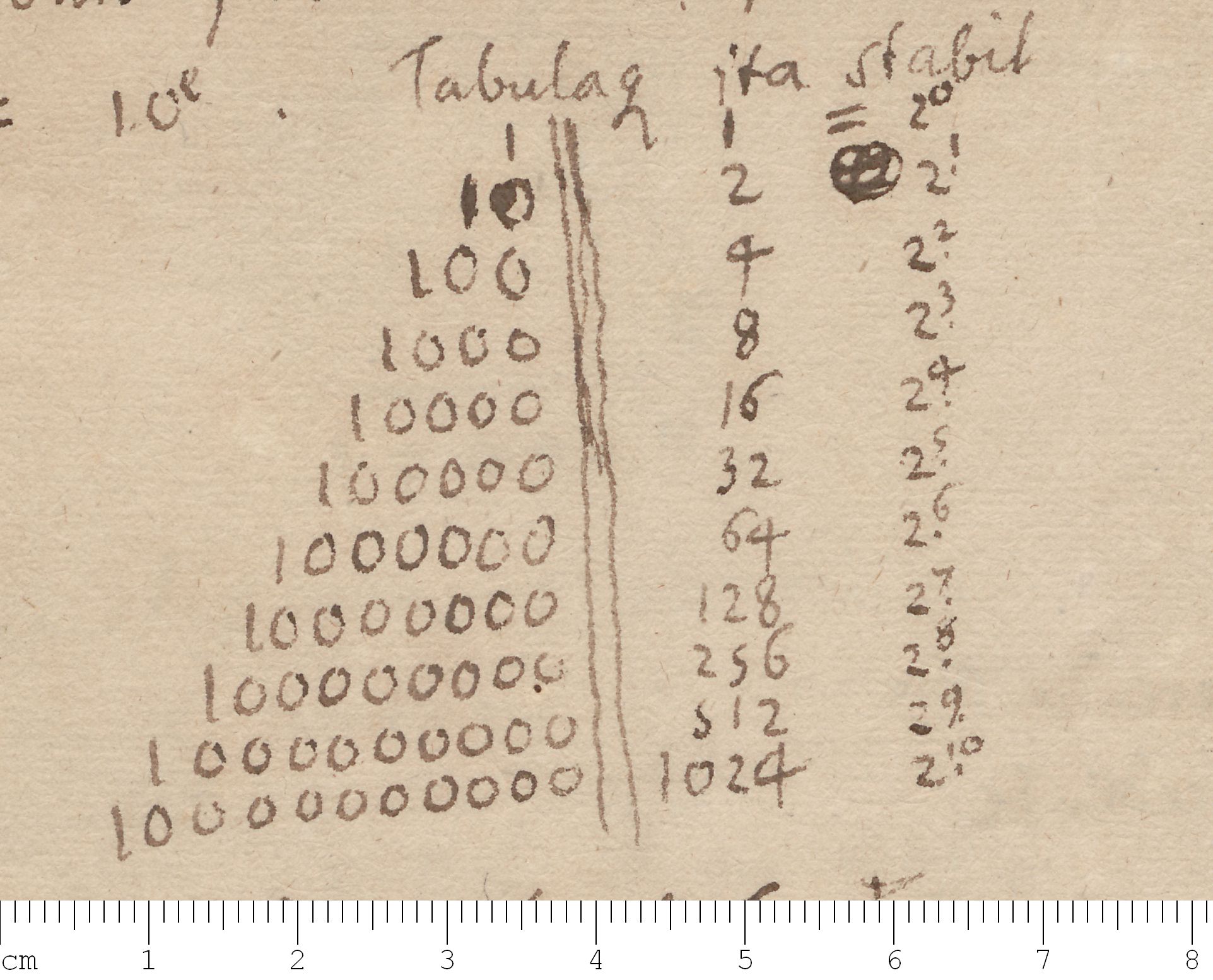
But the idea of binary numbers predates computers by centuries. The German mathematician Gottfried Wilhelm Leibniz described the binary system in 1679 and even saw a connection to the ancient Chinese I Ching, which used broken and unbroken lines to represent the duality of Yin and Yang.
💡 Key insight: Binary is the "native language" of computers, just as decimal is the native language of humans.
How to Read Binary Numbers
In the decimal system (base 10), each position represents a power of 10:
- 1, 10, 100, 1000, ... (10⁰, 10¹, 10², 10³, ...)
In the binary system (base 2), each position represents a power of 2:
- 1, 2, 4, 8, 16, 32, 64, 128, 256, ... (2⁰, 2¹, 2², 2³, ...)
Each binary digit (bit) can be 0 or 1. To convert a binary number to decimal, you add up the values of the positions where there is a 1.
| Power of 2 | 2⁷ | 2⁶ | 2⁵ | 2⁴ | 2³ | 2² | 2¹ | 2⁰ | Decimal Value |
|---|---|---|---|---|---|---|---|---|---|
| Value | 128 | 64 | 32 | 16 | 8 | 4 | 2 | 1 | |
| Example: 42 | 0 | 0 | 1 | 0 | 1 | 0 | 1 | 0 | 42 |
| Example: 255 | 1 | 1 | 1 | 1 | 1 | 1 | 1 | 1 | 255 |
| Example: 10 | 0 | 0 | 0 | 0 | 1 | 0 | 1 | 0 | 10 |
Let's break down the number 42 in binary (00101010):
- 2⁵ (32) → 1 × 32 = 32
- 2³ (8) → 1 × 8 = 8
- 2¹ (2) → 1 × 2 = 2
- 32 + 8 + 2 = 42 ✅
All other positions are 0, so they contribute nothing.
How Text Is Encoded in Binary
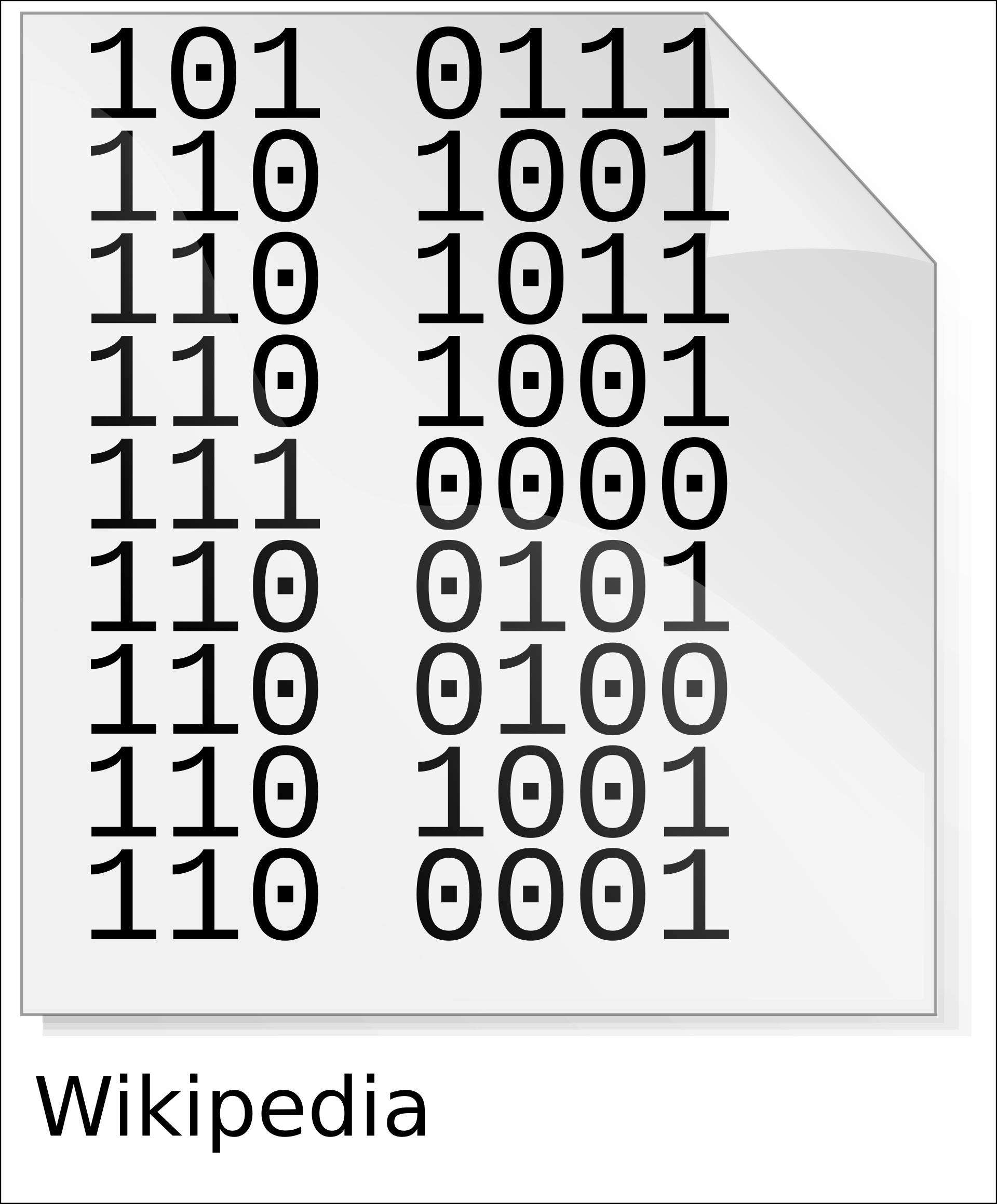
To store text, computers use character encoding standards. The most common is ASCII (American Standard Code for Information Interchange), which maps letters, digits, and symbols to numbers from 0 to 127 — and then to binary.
| Character | ASCII Code (Decimal) | Binary (7-bit) |
|---|---|---|
| A | 65 | 100 0001 |
| B | 66 | 100 0010 |
| a | 97 | 110 0001 |
| b | 98 | 110 0010 |
| 0 (zero) | 48 | 011 0000 |
| 1 | 49 | 011 0001 |
| ! | 33 | 010 0001 |
This is how the word "Hi" becomes binary:
- H → 72 → 100 1000
- i → 105 → 110 1001
So "Hi" in binary is 1001000 1101001.
Today, most systems use Unicode (specifically UTF-8), which can represent every character from every writing system in the world, all using binary.
From Binary to Instructions
Binary code isn't just for storing data. It's also used to tell the computer what to do. Every instruction a CPU executes is encoded in binary as well.
- Machine Code: The raw binary instructions that the processor understands directly.
- Assembly Language: A human-readable (but still low-level) representation of machine code, using mnemonics like
MOV,ADD,JMP. - High-Level Languages: Python, JavaScript, C++ — these are compiled or interpreted into machine code.
Why 8 Bits? The Byte
Early computers used different bit lengths, but 8 bits became the standard for a byte. Why?
- ASCII used 7 bits (0–127) — 8 bits was the next natural size, allowing room for extensions (128–255).
- Powers of 2: 2⁸ = 256 — enough to represent all letters, digits, punctuation marks, and control characters.
- Hardware convenience: 8-bit registers and buses became the industry standard, and the convention stuck.
Today, a byte is still the fundamental unit of digital storage. File sizes are measured in bytes:
- Kilobyte (KB) = 1,024 bytes
- Megabyte (MB) = 1,024 KB
- Gigabyte (GB) = 1,024 MB
- Terabyte (TB) = 1,024 GB
Real-World Examples
- Text file: A single character (like "A") is stored as one byte.
- Image: Each pixel in an image has color values (red, green, blue) — each value is stored as a byte (0–255).
- Audio: Sound waves are sampled thousands of times per second — each sample is a binary number.
- Video: A sequence of images plus audio, all stored as binary data.
Frequently Asked Questions (FAQ)
Why do computers use binary and not decimal?
Because binary matches the physical reality of electronics. Transistors have two states (ON/OFF). Using decimal would require 10 distinct voltage levels, which is much harder to implement reliably and would create more errors.
What is a bit?
A bit (short for binary digit) is the smallest unit of data in computing. It can be either 0 or 1.
What is a byte?
A byte is a group of 8 bits. It can represent 256 different values (from 0 to 255). This is enough to store a single character (like "A" or "5") in most encoding systems.
Why is 1024 bytes called a kilobyte?
Because 2¹⁰ = 1024. In the binary world, powers of 2 are natural. However, hard drive manufacturers sometimes use 1000 bytes for a kilobyte, which causes the confusion between KB (1024) and kB (1000).
Can a computer understand anything other than binary?
At the hardware level, no. Every piece of data — numbers, text, images, sound, video — must be converted to binary before the CPU can process it. Higher-level languages and human-readable formats are translated into binary by compilers, interpreters, and encoders.
How did binary code start?
The concept of binary numbers dates back to ancient civilizations, but it was formalized by Gottfried Wilhelm Leibniz in the 17th century. Binary became crucial for computing in the 20th century, with early mechanical computers (like the Z3) using binary logic, and then fully adopted in the electronic computers of the 1940s.
Conclusion
Binary code may seem abstract, but it's the simplest and most powerful idea in computing. By reducing everything to two states — 0 and 1 — we can represent numbers, text, images, sound, and instructions with perfect precision.
Understanding binary is like learning the alphabet of computers. Once you grasp it, you unlock a deeper understanding of how modern technology works — from the humble transistor to the most advanced artificial intelligence.